
01 / INSPECT
Understand any element in context
Explain layout, check WCAG contrast, copy CSS, try live edits and open the raw details without leaving the page.
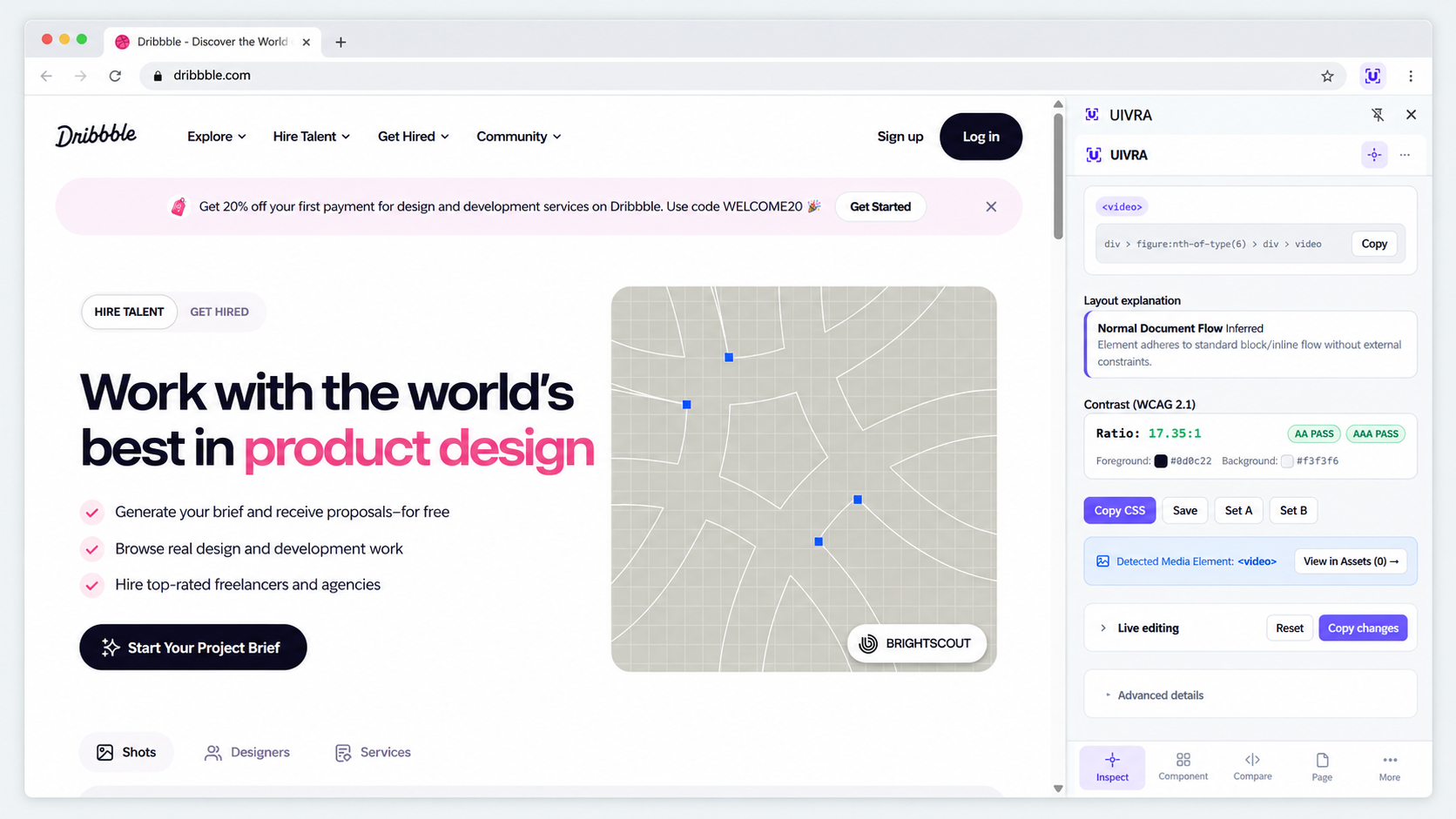
Select a component to understand how it works. Compare UI, review page consistency, explore responsive changes, and export or rebuild code.
Local-first · Minimal permissions · No telemetry
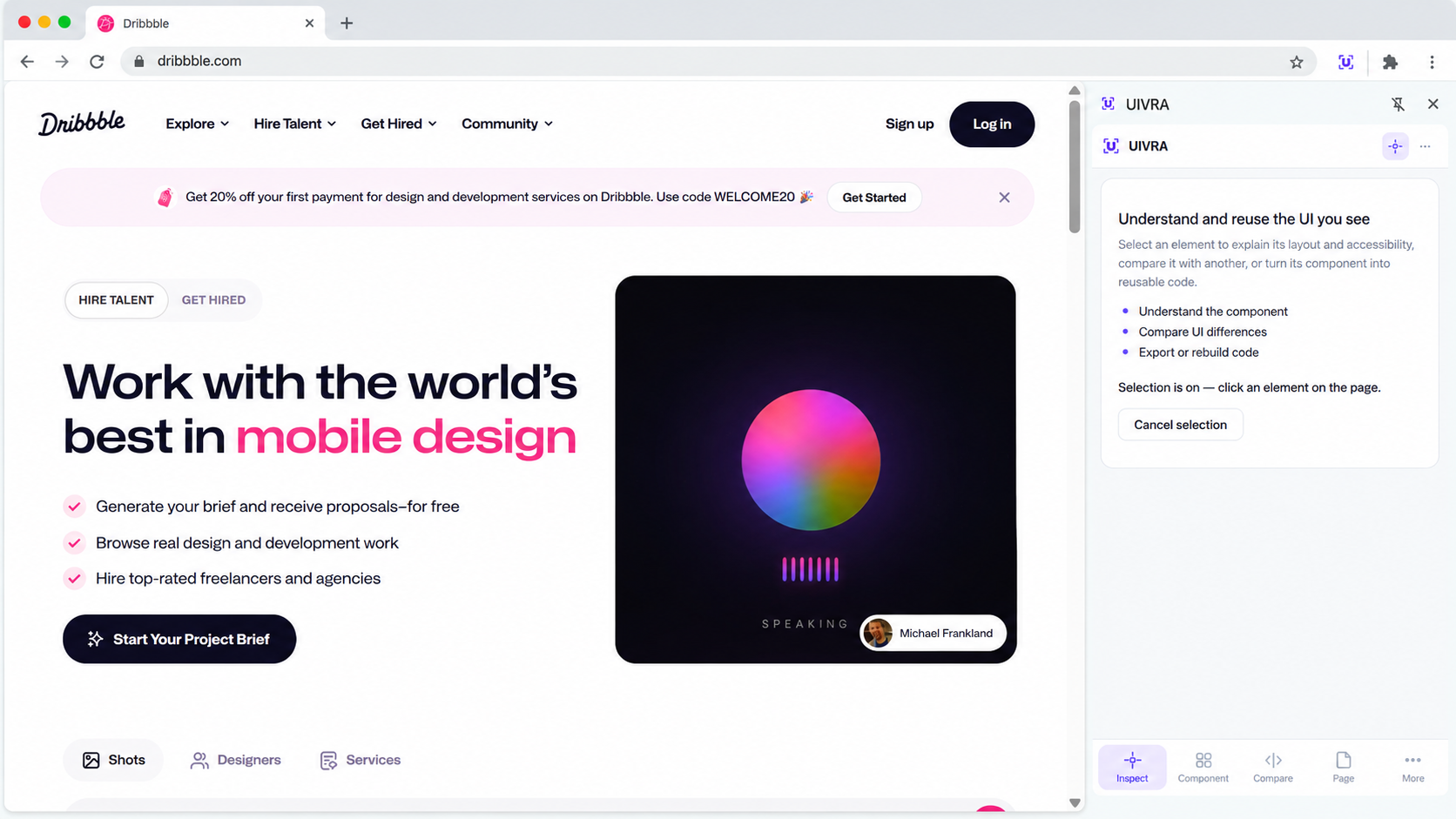
Start with Inspect, then move to the component or page tools that answer your next question.
Explain layout, check WCAG contrast, copy CSS, try live edits and open the raw details without leaving the page.
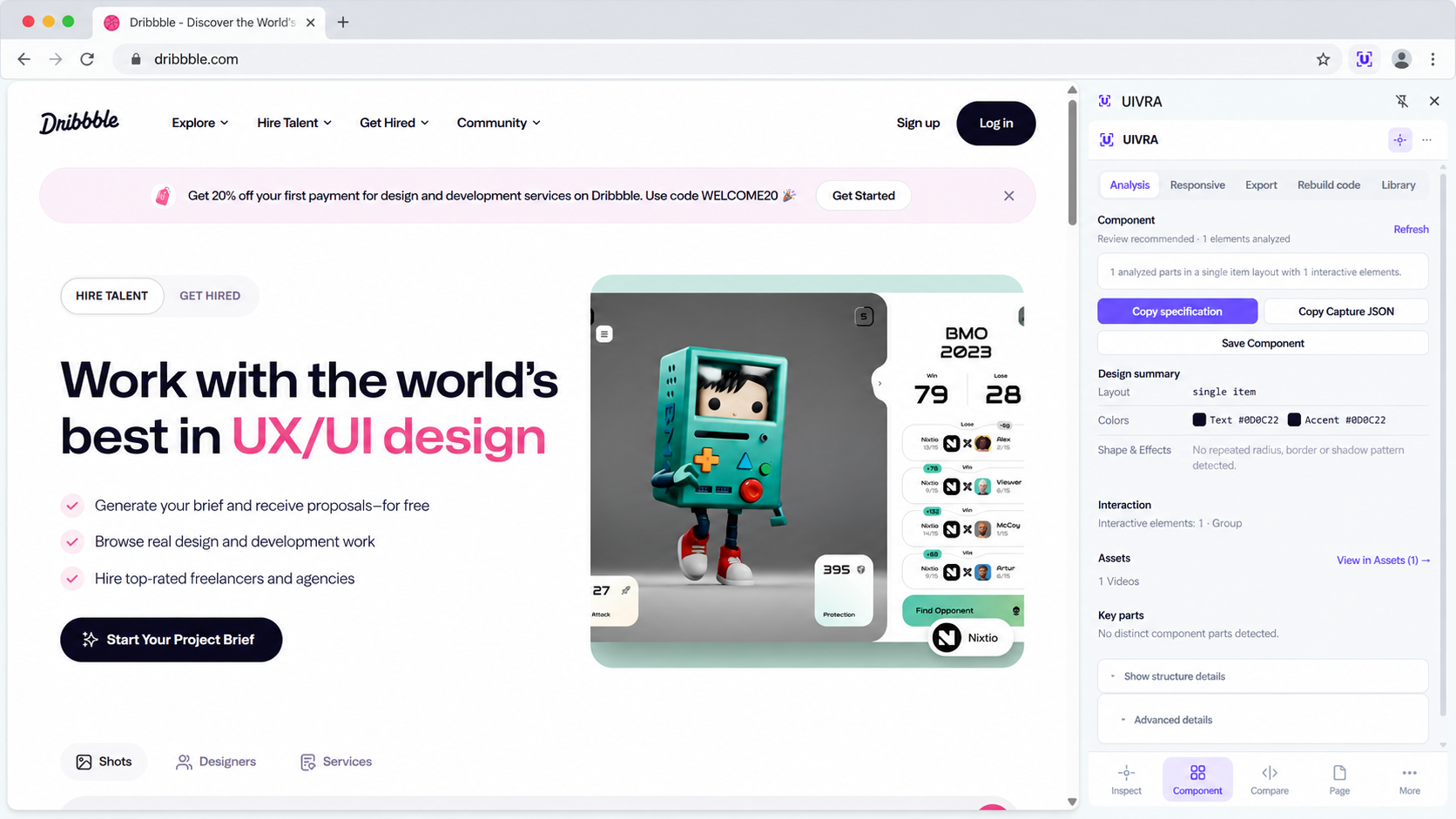
See its structure, key parts, layout, accessibility and responsive behavior in one place.
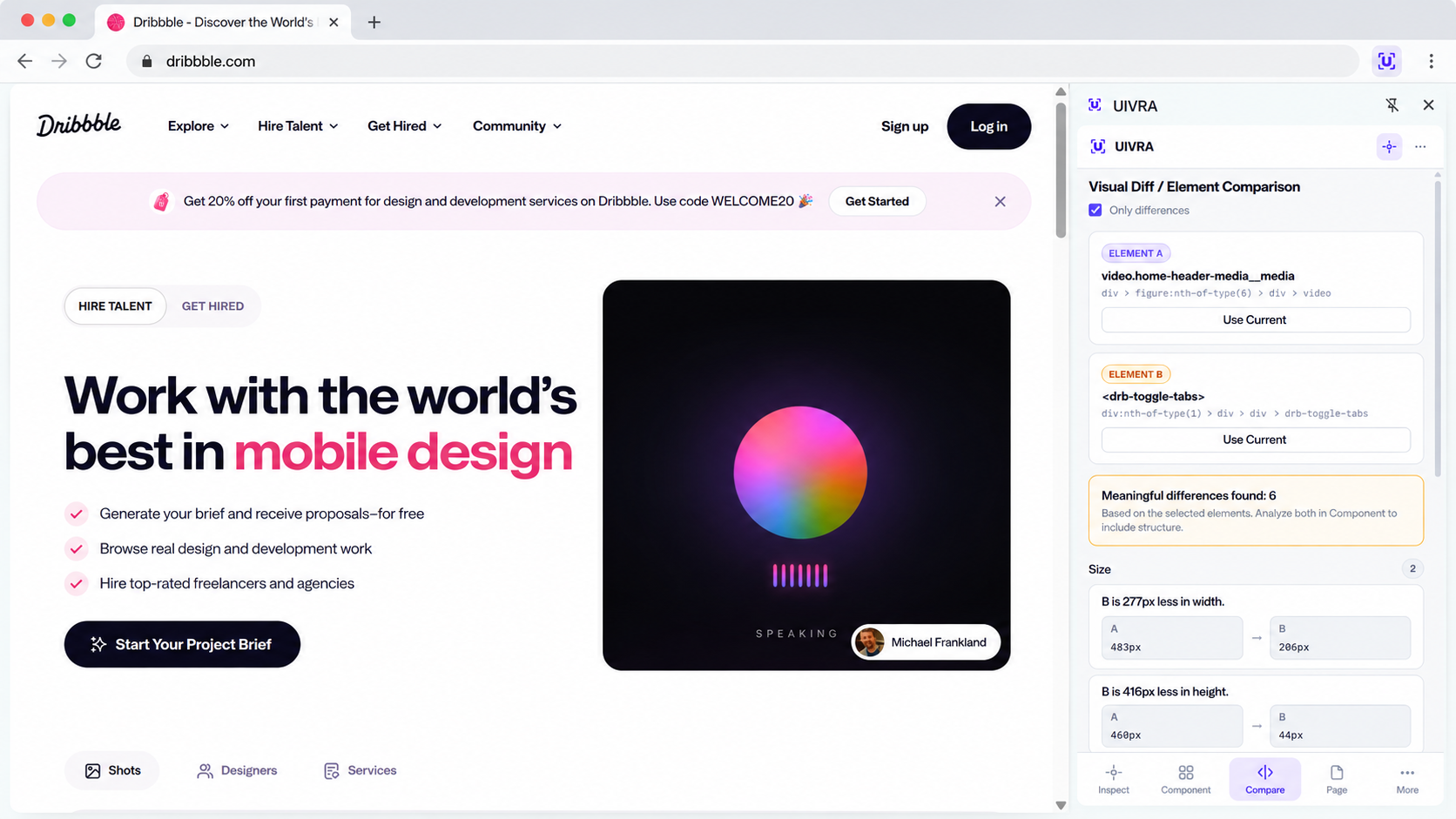
Set two elements as A and B, then focus on meaningful differences in size, layout, typography and appearance.
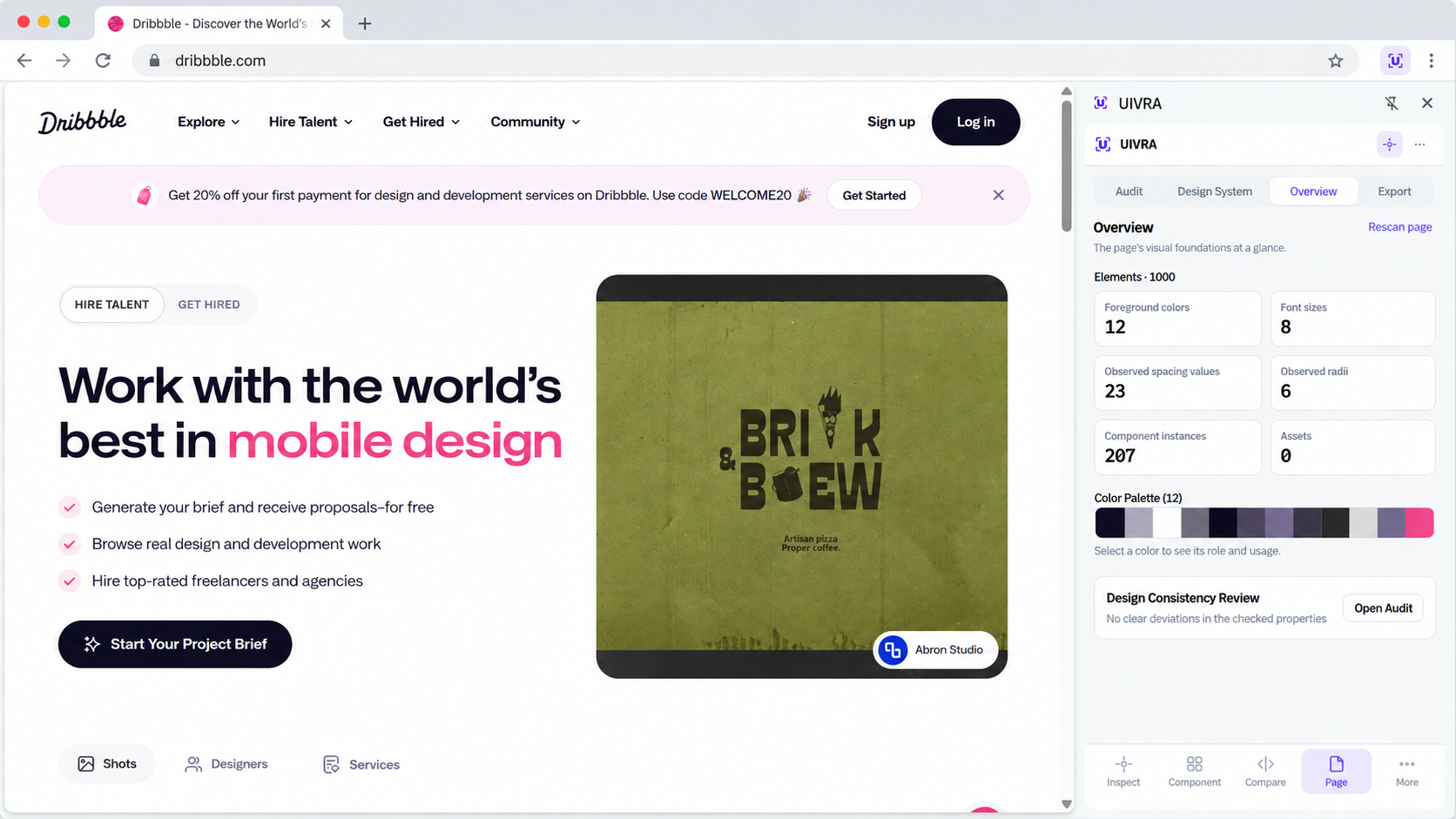
Review colors, type, spacing, radii and component patterns at a glance, then open Audit or Design System for deeper analysis.
Compare desktop, tablet and mobile behavior and surface meaningful responsive differences.
Export component or page results, or spend one separate AI credit to generate a static component reconstruction.
Copy AI-ready component context for use with your coding assistant.
Dynamic behavior, business logic, backend functionality and application state are not recreated.
New installations get a 7-day Pro trial. No card is required; it ends in Free unless you choose to buy Pro. AI credits are separate.
Useful analysis and everyday UI tools.
$0 forever
For deeper analysis and reusable results.
$29/year
$49 lifetime
Generate a static reconstruction of a selected component when you need it.
1 successful rebuild = 1 credit
AI credits are separate from Free, Pro and the trial.
Regular inspection and analysis run locally in your browser.
UIVRA uses minimal browser permissions, includes no telemetry or analytics, and does not require access to every website by default.
When you explicitly use an AI feature, only the data required for that selected component is sent for processing.
No. It creates a static reconstruction based on the captured structure, styles and visible content. Pixel-perfect visual matching is not guaranteed.
No. Application logic, backend behavior, dynamic data and runtime state are outside its scope.
Regular inspection and analysis run locally. Account and credit checks contact the UIVRA backend; selected component data is sent only when you run AI Rebuild.
Yes. The core inspection workflow is available in the Free plan.